How to use Samsung Pass
Important Note: The information on this page is for Hong Kong products only. Models, sequences or settings will vary depending on location and/or where the product had been purchased. To be redirected to your local support page please click here.
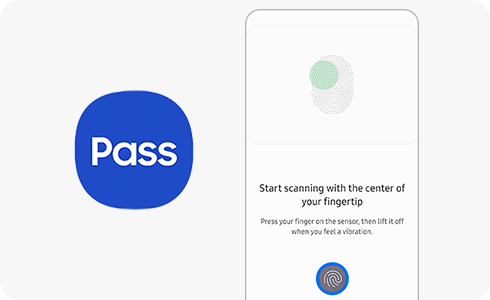
Samsung Pass is a biometric authentication service that enables you to use various services using simple fingerprint or iris verification. Thanks to Samsung Knox your data is protected so you can safely and easily use a digital key to open your vehicle door and more. Learn more about how to start using Samsung Pass below.
Please note: Digital Key is currently available in United States of America, Republic of Korea, United Kingdom, Germany, Spain, France, Italy.
Getting started with Samsung Pass:


Step 1. Go to device settings and tap “Biometrics and security”.


Step 2. Tap “Samsung Pass”.


Step 3. Tap “Continue”.


Step 4. Enter your Samsung account password and click “Ok”.


Step 5. Read the tips and tap “Continue”.


Step 6. Scan your finger at the bottom of the screen.
If the above information does not match what your product is showing, you may check the User Manual for your product. If you are unable to solve the problem, please contact us for further assistance.
Thank you for your feedback!
Please answer all questions.
RC01_Static Content : This text is only displayed on the editor page