What is Block during game in Game Booster?
Important Note: The information on this page is for Hong Kong products only. Models, sequences or settings will vary depending on location and/or where the product had been purchased. To be redirected to your local support page please click here.
If you’re receiving calls, messages and app notifications when playing gaming apps, you can turn on the "Block during game" feature in Game Booster. In the app, you can block specific features of the device that may interfere with your gameplay.
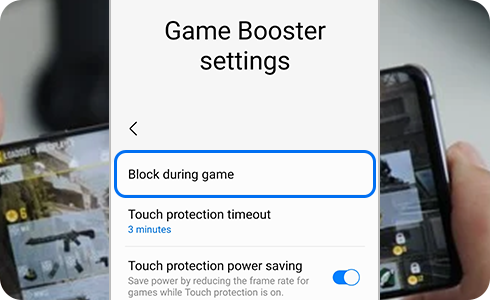
“Block during game” will block certain notifications whenever you have a game opened, so you won't have to worry about being interrupted. However, keep in mind that some notifications cannot be blocked and will always appear during games.
Please note: Check if your device's software and related apps are updated to the latest version to avoid experiencing any problems when following the recommendations below.
How to set up Block during game feature
You can set up the “Blocking during game” feature while playing a game.
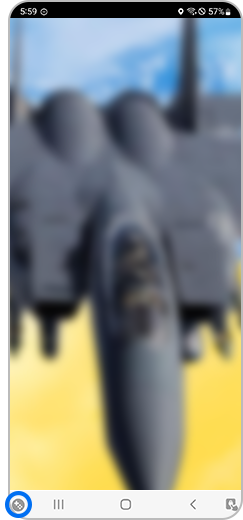
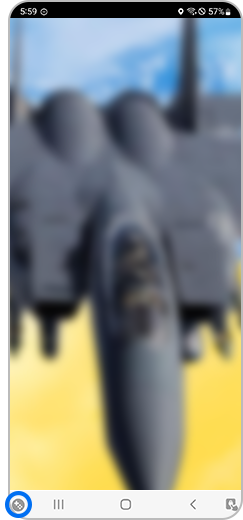
Step 1. During a game, tap the game booster icon at bottom left.


Step 2. Click the settings button.
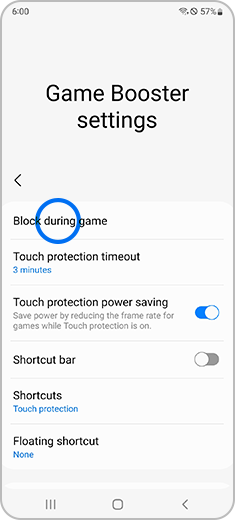
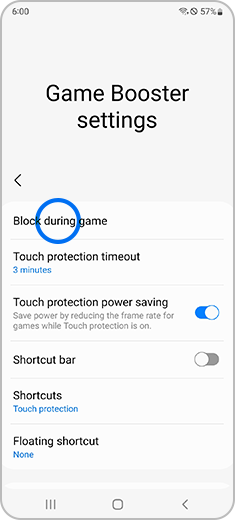
Step 3. Select “Block during game” option.
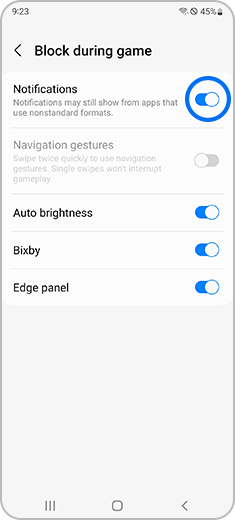
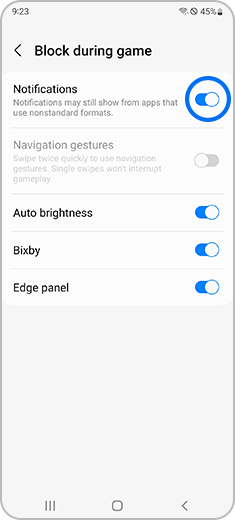
Step 4. You can tap the switch to enable or disable notifications and other settings such as "Auto brightness".
Please note: By turning on the switch next to “Notifications”, you will prevent certain notifications and alerts from appearing when you're playing a game. Remember that not all alerts will be blocked, such as alarms and certain app notifications, for example those from Facebook Messenger.
If the above information does not match what your product is showing, you may check the User Manual for your product. If you are unable to solve the problem, please contact us for further assistance.
Thank you for your feedback!
Please answer all questions.
RC01_Static Content : This text is only displayed on the editor page