Where to find and update your version of PENUP
Important Note: The information on this page is for Hong Kong products only. Models, sequences or settings will vary depending on location and/or where the product had been purchased. To be redirected to your local support page please click here.
The PENUP app is a social network for people who like to draw and interact with fellow creative minds. It's a thriving art community right on your Galaxy devices. PENUP is one of the largest art communities in the world as it can be used by any user, not only by the Samsung Galaxy community, but also by users of Android™ phones, tablets or even Windows.

Updating your PENUP app
Using the latest versions of your apps guarantees that your device will perform better, as well as provide a significant increase in the security. Find out which version you have and how to update it.
Follow the next steps to find information on your PENUP version:


Step 1. Click the More menu on the top right corner of the app, then “Settings”.
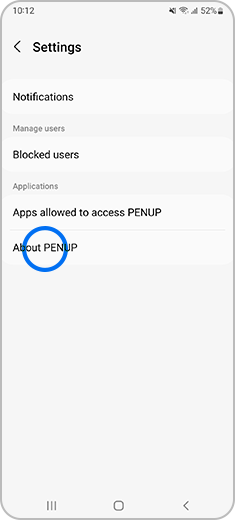
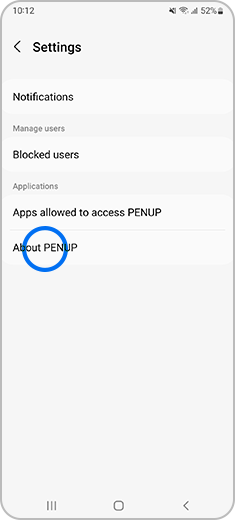
Step 2. Tap “About PENUP”.


Step 3. App information will appear on your screen, and you can “Update” your PENUP version.
Auto updating your apps
As the auto update feature operates through the Google Play Store or Galaxy Store, it can be enabled or disabled through the corresponding app’s settings.
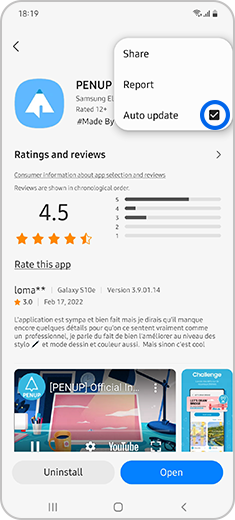
If the above information does not match what your product is showing, you may check the User Manual for your product. If you are unable to solve the problem, please contact us for further assistance.
Thank you for your feedback!
Please answer all questions.
RC01_Static Content : This text is only displayed on the editor page